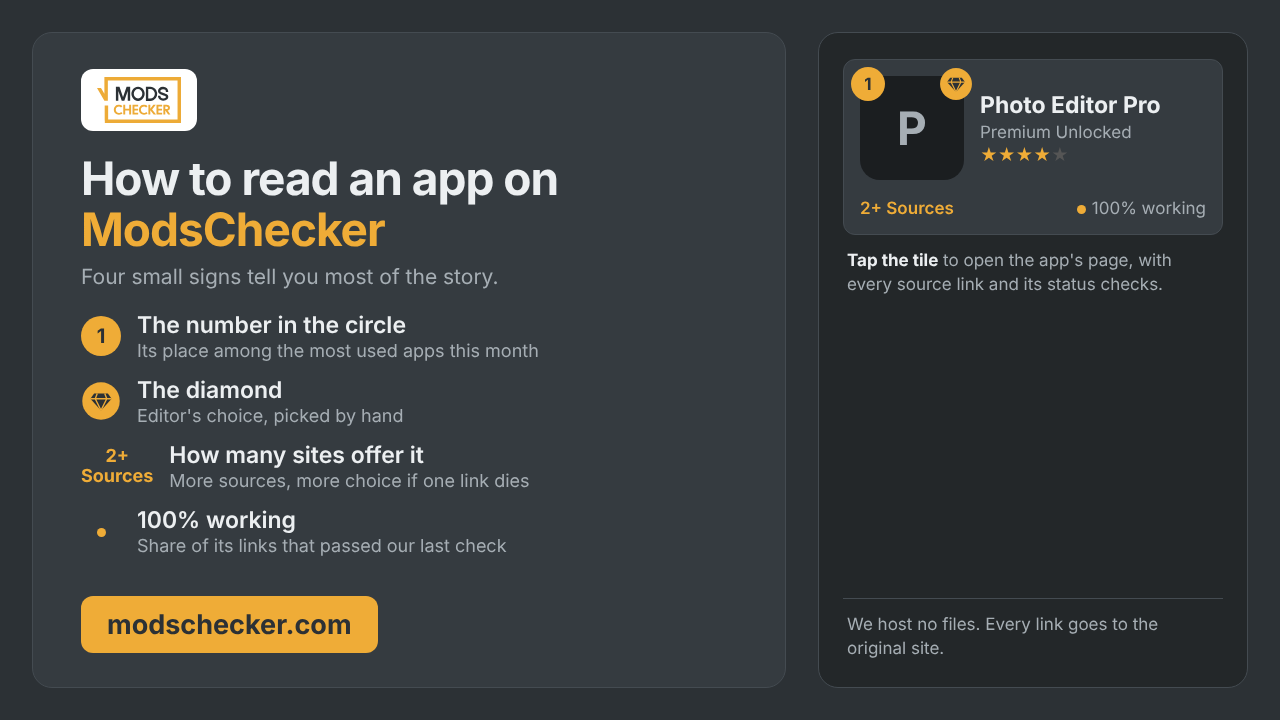
👀 How to read an app on ModsChecker
Every tile on our site carries four small signs:
🟡 The number in the circle: the app's place among the most used apps this month.
💎 The diamond: an Editor's choice, picked by hand.
📚 "2+ Sources": how many sites offer the app. More sources means more choice if one link stops working.
🟢 "100% working": the share of its links that passed our last check. We check the links on a schedule.
Tap any tile to open the app's page. You'll see every source link, its status checks and a Download button that takes you to the original site.
We host no files. Every link goes to the original site.
🔎 modschecker.com